Operate a Physical (Hardware) Network
Pre-flight Checks:
- Source Code: Ensure
NDTwin-Kernelis in your~/Desktop(or adjust paths below). - Compilation: Ensure
ndtwin_kernelexists inbuild/bin/(from Installation Manual). - Topology Script: Ensure
testbed_topo.pyexists (from Installation Manual).
Startup Order is Critical: Please execute Terminals 1 through 2 in the exact order listed below.
Terminal 1: Ryu Controller
- Purpose: Starts the SDN Logic.
- Environment:
ryu-env(Python 3.8).
conda activate ryu-env
# 'intelligent_router.py' is our custom controller app
ryu-manager intelligent_router.py ryu.app.rest_topology ryu.app.ofctl_rest --ofp-tcp-listen-port 6633 --observe-link
App Path Note: You can launch your custom app using an absolute path (recommended) or a relative path.
- Absolute path example: ~/ryu_apps/intelligent_router.py
- Relative path example: ./intelligent_router.py (if you cd into the folder first)
Note: After lanuching, wait seconds to let the customized Ryu app connect to all network devices, finish host discovery and path installation (you will see “all-destination paths installed” message). Only then start launching NDTwin (backend/GUI), otherwise NDTwin may query Ryu before the topology is fully detected.
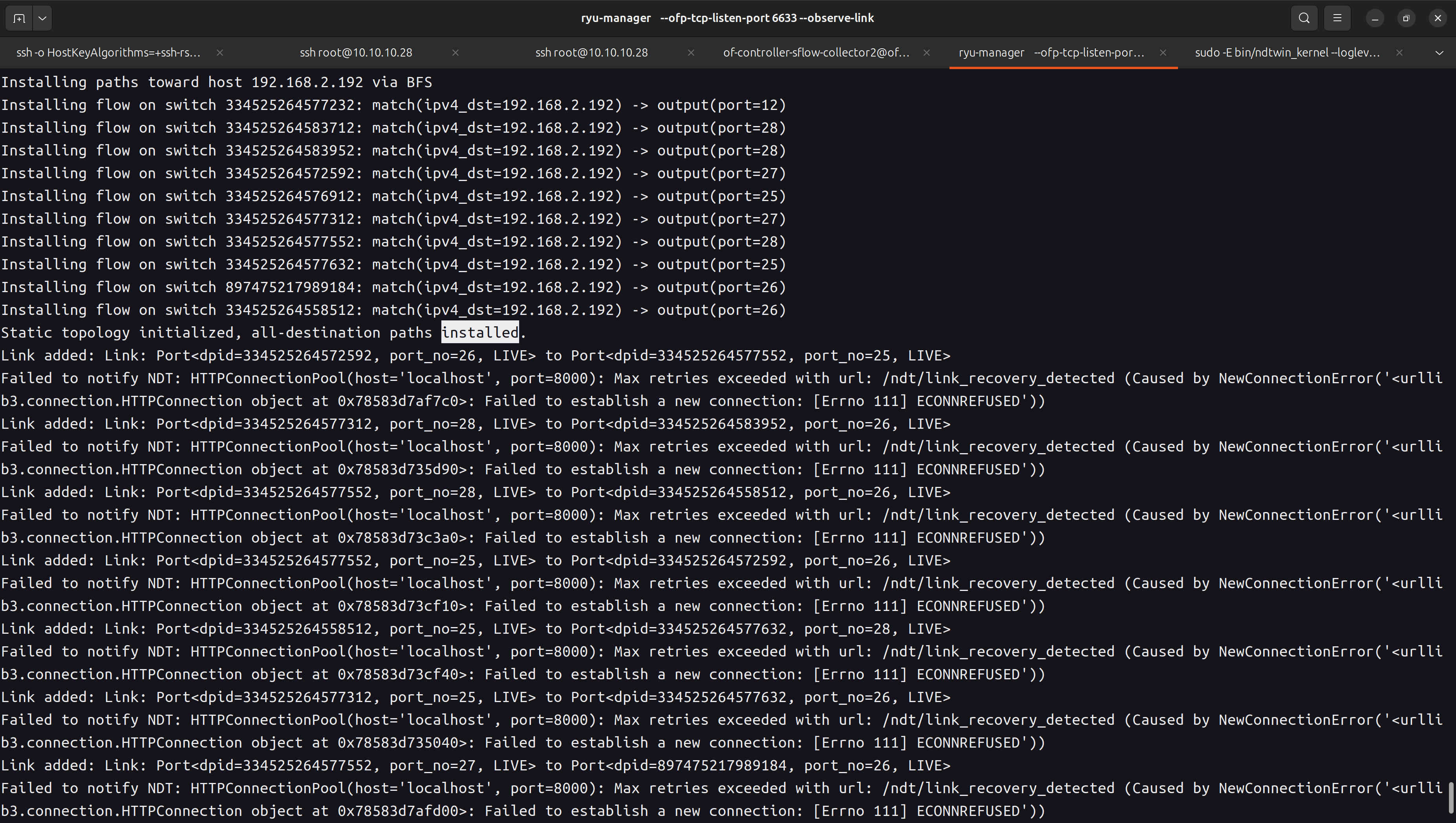
Terminal 2: NDTwin Kernel
- Purpose: Starts the NDTwin Kernel.
- Environment: System Native (Root).
cd ~/Desktop/NDTwin-Kernel/build

# Set API Key
# If you do not have a valid OpenAI API key, you can input any random string
# (e.g., "12345") to bypass the check. The system will run, but LLM features will be disabled.
export OPENAI_API_KEY="any-random-string-here"

# Execute with sudo, preserving the environment variable (-E)
sudo -E bin/ndtwin_kernel --loglevel info
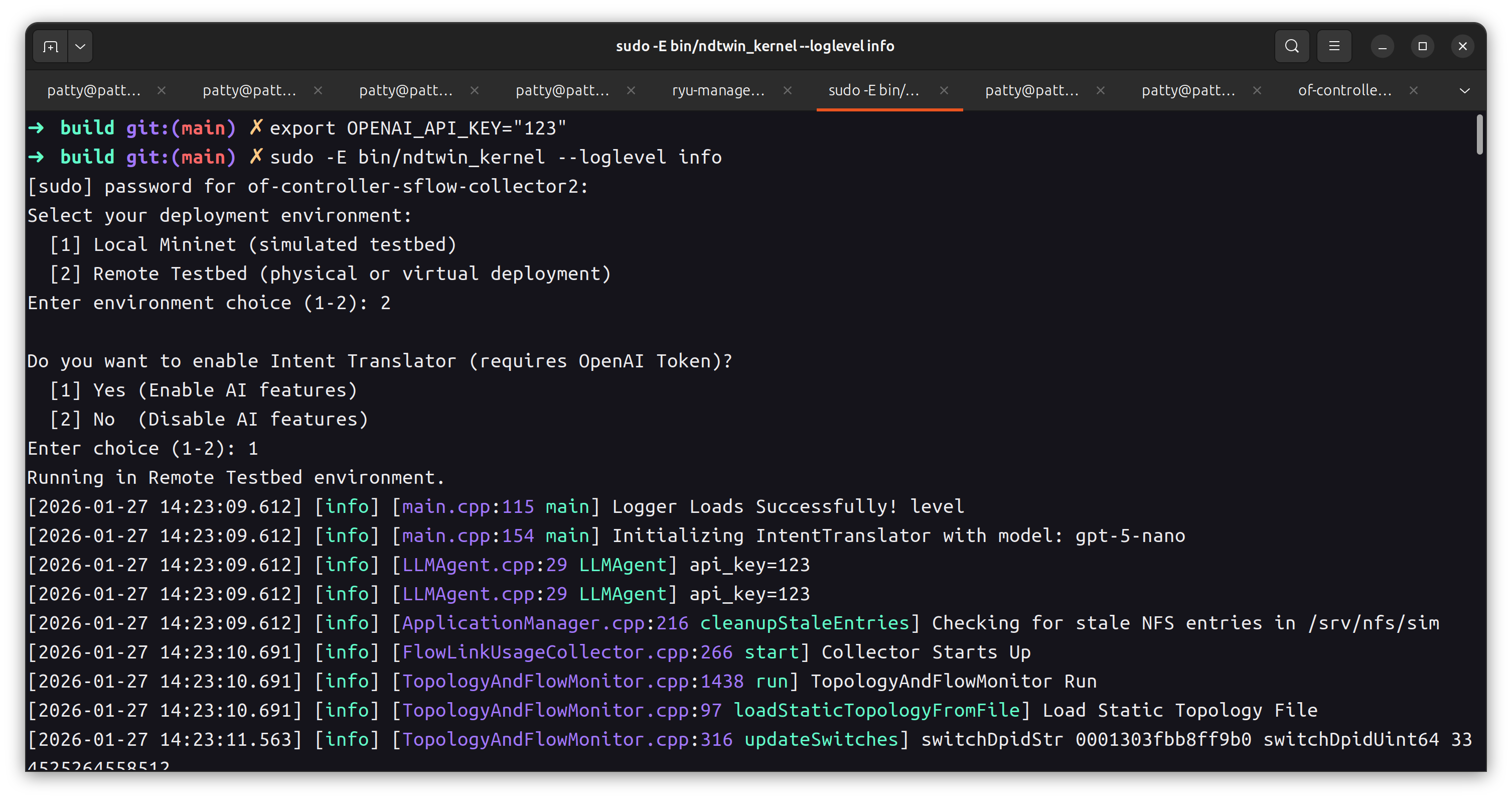
Generating Traffic (Validation)
To test if the system is working, you can generate traffic.
- Start an iperf3 server on Host 1 (192.168.2.180):
iperf3 -s
- Run a client on Host 2:
iperf3 -c 192.168.2.180 -t 300
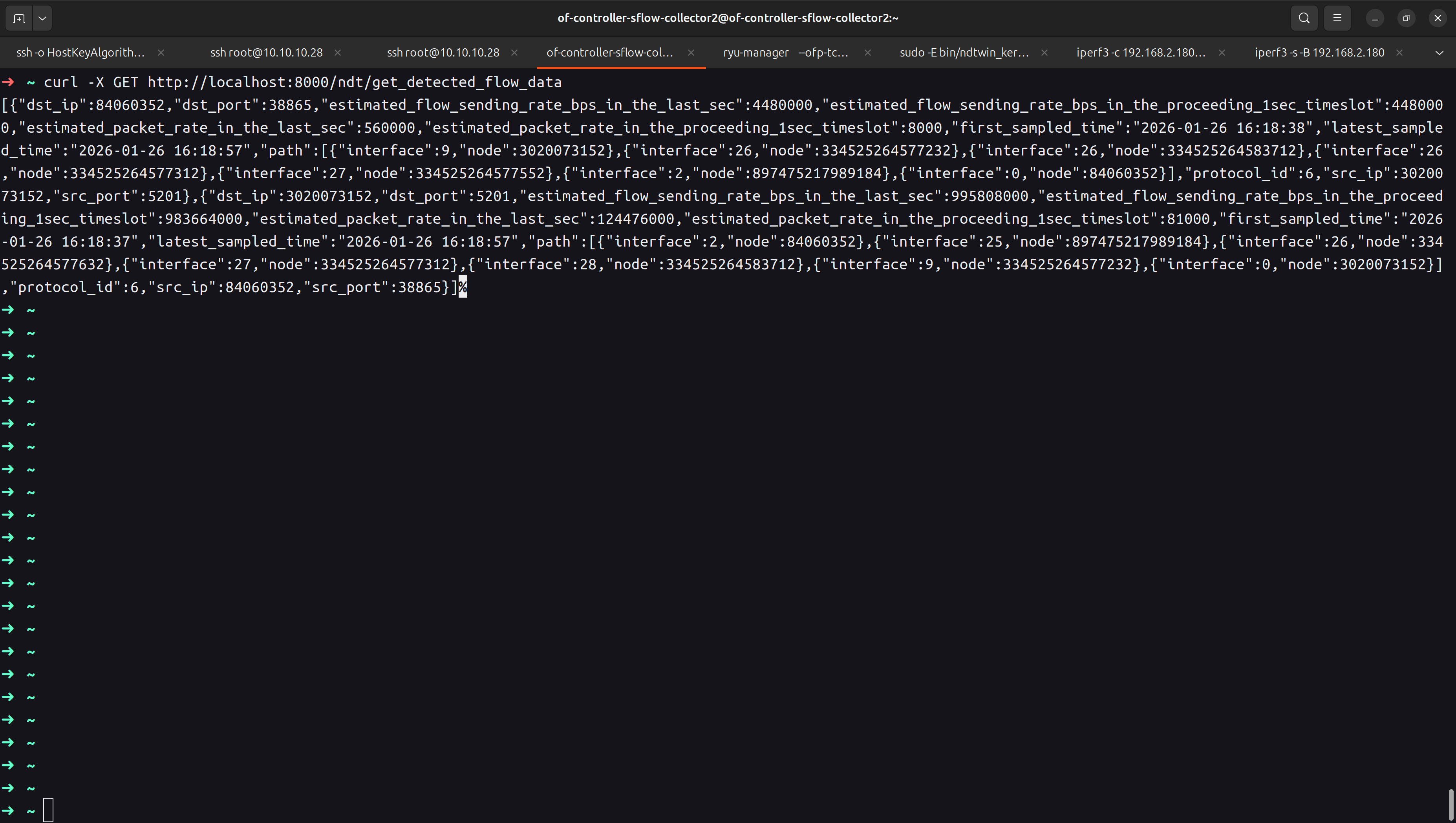
- Verify detected flow data (NDTwin API): Use the following command to query NDTwin and confirm whether flow data has been successfully captured/recorded by the system:
curl -X GET http://localhost:8000/ndt/get_detected_flow_data
Expected: The API returns a JSON response containing the currently detected flow records (or an empty list if no flows have been captured yet).
See more NDTwin API docs in NDTwin API.